
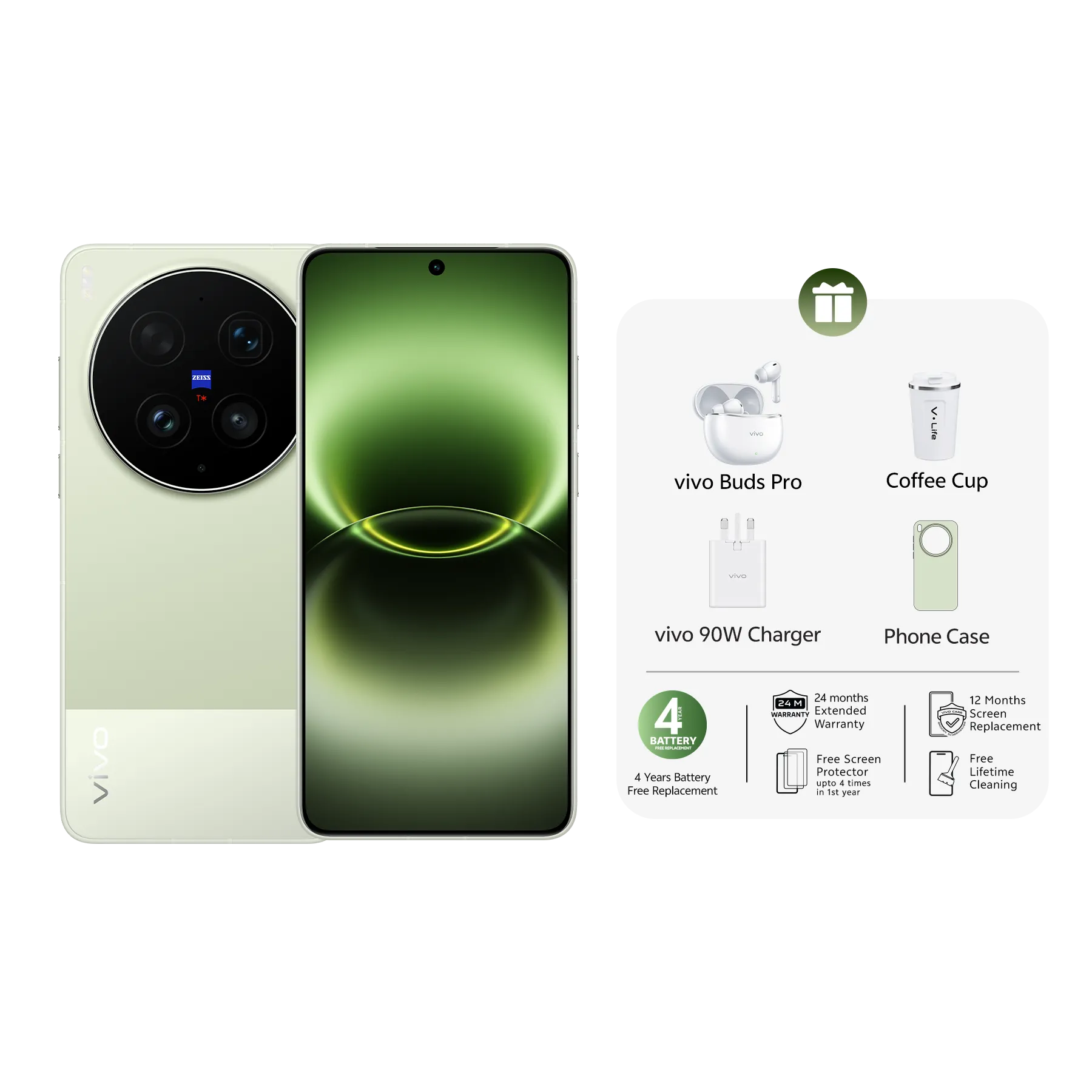
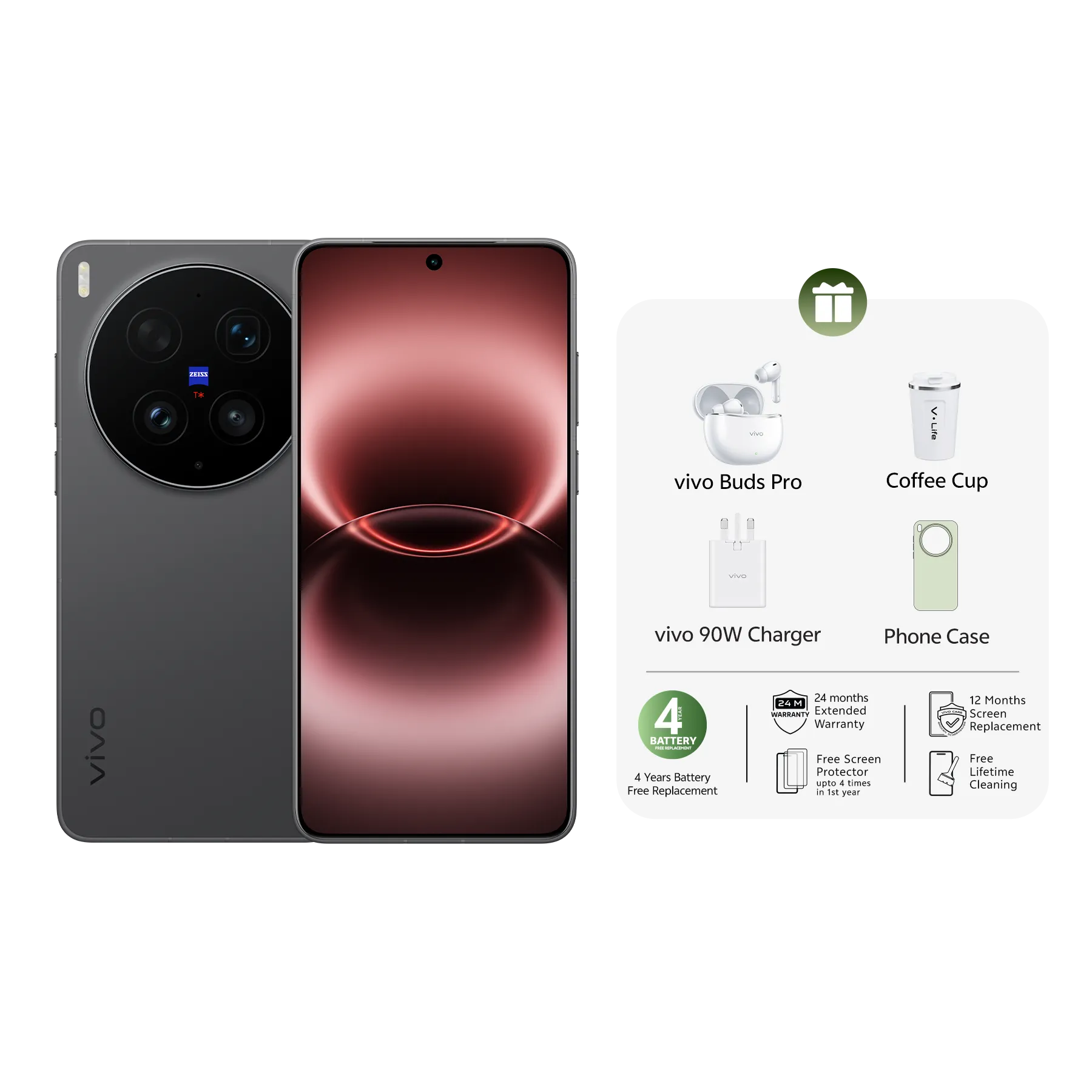
vivo X300 FE
Product Recommendations

FAQ
- Can photos deleted a year ago be recovered?
Photos deleted a year ago usually cannot be recovered directly. The "Recently Deleted" folder in the phone gallery only keeps deleted files for 30 days, after which they are permanently cleared by the system. If photos have been backed up via cloud services in advance, the corresponding photo files can be retrieved from the cloud backup.
- How long does the "Recently Deleted" folder keep deleted photos in the phone gallery?
The "Recently Deleted" folder (recycle bin) in the Android phone gallery temporarily stores deleted photos with a default retention period of 30 days. Photos not manually restored within this period will be automatically and permanently deleted by the system and cannot be retrieved via built-in functions.
- What are the official ways to recover deleted photos on a vivo smartphone?
There are two official ways to recover deleted photos on a vivo smartphone. First, restore accidentally deleted photos within 30 days through the "Recently Deleted" folder in the system gallery. Second, log in to vivo Cloud Service and select the photo category from the backed-up cloud data for recovery.
- What advantages does a 5G smartphone have in backing up photos to the cloud?
A 5G smartphone has faster network transmission speed. When uploading photos to the cloud for backup, its transmission efficiency is significantly higher than that of 4G devices, which can shorten the backup time of large batches of photos and improve the stability and completion rate of automatic cloud backup.
- How to avoid permanent data overwriting when recovering deleted photos?
Before recovering photos, minimize write operations on the phone storage. Avoid taking new photos, downloading files or installing applications to prevent new data from overwriting the underlying storage information of deleted photos and improve the recovery success rate.
- What practical methods can prevent accidental photo loss in daily use?
Four practical methods can prevent accidental photo loss in daily use: enable the automatic backup function of cloud services to sync photos to the cloud; regularly export photos to external storage devices such as memory cards or USB drives; clean up unused apps to free up storage space and reduce the risk of data abnormalities; update the phone system in time to fix vulnerabilities that may cause data loss.